.png&w=384&q=75&dpl=dpl_2UfqZNpM6z4rzXxLZtTDK9CaZdsX)
(Japanese translation follows / 日本語は以下に続きます)
If you have used AI, then you have yelled at your harness — the agents, tooling, and feedback loops we wrap around the model to get useful work out of it. You have cursed it for forgetting something you told it yesterday, or for committing something without waiting for approval, or for "accidentally" destroying your Terraform state. But every time we yell at it for doing something stupid, we are really just yelling at ourselves.
As much as we keep throwing the word "intelligence" around, AI right now isn't intelligent. It isn't sentient, or clever, or witty. It's a tool. A big, complicated, powerful tool, but a tool, and a tool is driven by what you do with it. Start a car, drop a brick on the accelerator, and you don't get to blame the car for the wall it hits.
I think that's the right frame for security, too. At TechCrew, like pretty much every other company on the planet this year, we lean on AI heavily, and not just for coding: anywhere it can take the grunt work off someone's plate so they can spend their time on the part of the job that actually needs them. Because we use it that broadly, we can't bolt one security profile onto everyone and call it done. What works for us is to start from a single question — what can it actually touch? — and design the profile around the answer.
In my case, I mostly use Claude Code for programming, and it writes a good chunk of our API and infrastructure code. That means it's running right next to the processes that would deploy that code and stand up that infrastructure. The last thing I want is Claude with unfettered access to our AWS account while it's running on auto. I also occasionally need to keep volatile data around for a short window — we have department policies that keep PII at arm's length, but "short-lived, sensitive" still lands on a laptop now and then. I don't want Claude anywhere near that either.
So I deal with it like this.
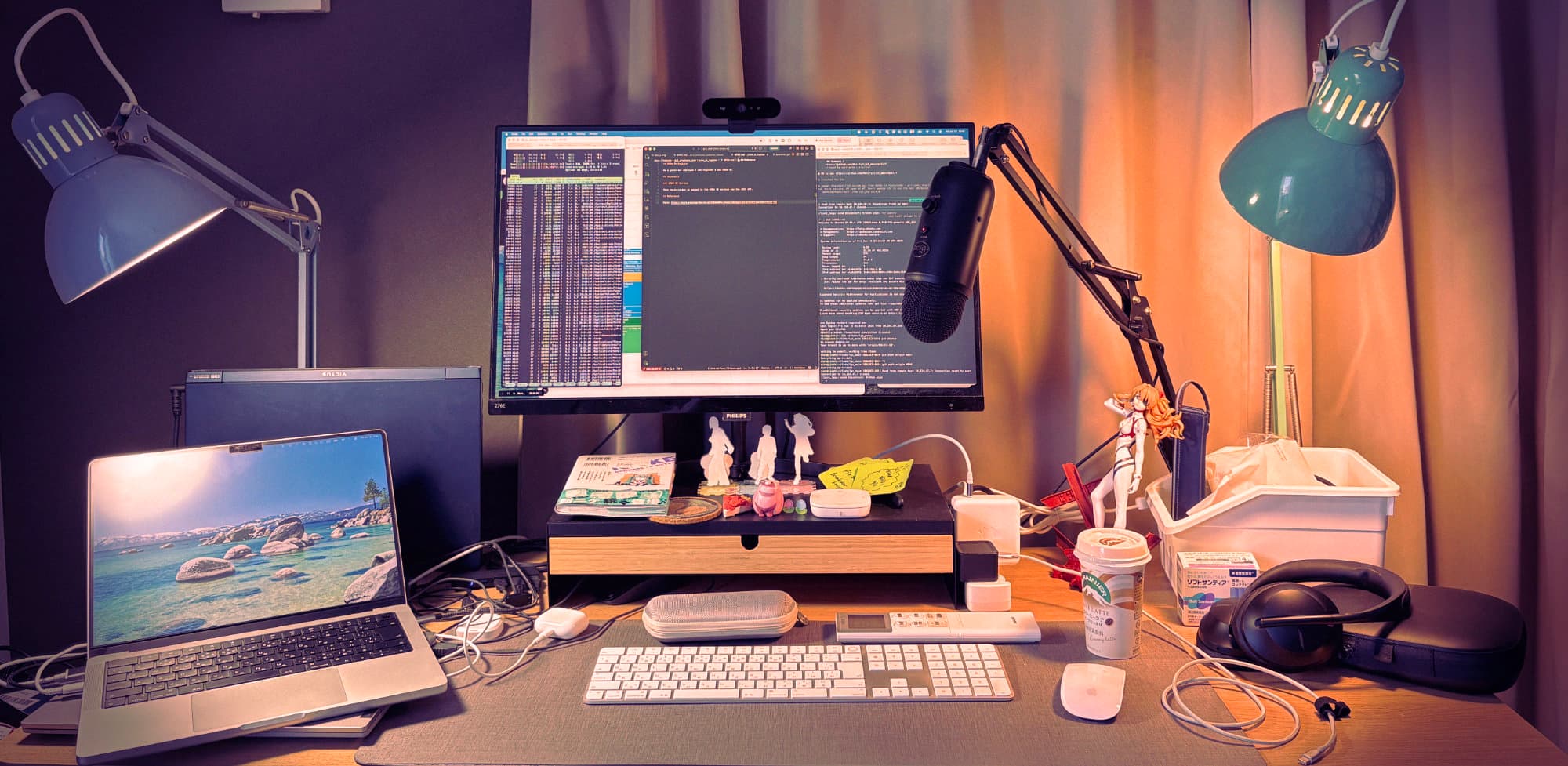
Isolation first. I run the agent in the environment where it can do the least damage. In my case that's a separate Linux machine I can phone into but which can't phone out. The asymmetry is deliberately dumb: I can SSH into the box, but the box can't SSH back to me, because my Mac doesn't accept inbound SSH at all. If the box ever reaches for it, it just finds a closed port — and a closed port needs no clever firewall rule to defend it. I use ZeroTier for the mesh, so I can still reach it when I'm on the road. The nice side effect is that all my code lives on a box in my local office and there's zero production code on my MacBook. If the laptop got stolen and the biometric lock somehow cracked, I could just drop the Linux server off ZeroTier and cut any path back in.
Don't hand Claude your AWS keys by accident. I never authenticate an AWS session in the same shell I'm running Claude in. Getting an authenticated AWS shell here means going through SSM — AWS's Session Manager — and that requires reaching for a browser, so it can't happen silently in the background. I don't authenticate AWS on the Linux box unless I actually need to, and when I do, it lives in a sub-shell, not the one Claude is running in. That stops it from quietly inheriting elevated privileges and deciding to run Terraform — the tool we use to provision infrastructure from code — or anything else with the AWS CLI it has no business touching.
DENY lines, with realistic expectations. All of the above sits on top of a healthy stack of DENY rules in Claude's settings. But I'd treat those as a polite suggestion, not a concrete wall. They help; they are not the thing keeping you safe.
Git stays boring. We only ever work on feature branches. Nothing gets pushed or merged to main outside a PR, and no --force, ever.
Let the filesystem do its job. For everything else, Linux file permissions keep the door shut and stop Claude from wandering into rooms it wasn't invited into.
To be fair, with all of that in place Claude can still make a mess. The point isn't that it can't. The point is that the blast radius is a day of my time, not a production server.
And I'll be honest about the limit: none of this does much against a determined exfiltration attempt. What it does is shrink what there is to exfiltrate in the first place. On a good day, the worst someone walks away with is the password to a dev database.
So that's my setup. What's yours? If you're building with coding agents and you've worked out how to keep them from going rogue, I'd genuinely like to hear it — get in touch.
AIを使ったことがあるなら、きっと自分のハーネス——モデルから使える成果を引き出すために、その周りに組み上げたエージェントやツール、フィードバックループのこと——に怒鳴ったことがあるはずです。昨日伝えたばかりのことを忘れたとき、承認を待たずに勝手にコミットしたとき、あるいはTerraformのstateを「うっかり」吹き飛ばしたとき。でも、AIが何かまずいことをするたびに怒鳴っているとき、私たちは結局のところ自分自身に怒鳴っているだけなのです。
「知能(intelligence)」という言葉をこれだけ振り回していても、今のAIは知的ではありません。意識があるわけでも、賢いわけでも、機知に富んでいるわけでもない。AIは道具です。大きくて、複雑で、強力な道具ではありますが、それでも道具であり、道具は使う人の行動によって動きます。車のエンジンをかけ、アクセルにレンガを載せて壁に突っ込んだとして、その車を責めるわけにはいきませんよね。
これは、セキュリティを考えるうえでも正しい捉え方だと思います。TechCrewでも、今年の世界中のほぼすべての会社と同じように、私たちはAIにかなり頼っています。コーディングだけでなく、誰かの手間仕事を肩代わりして、本当にその人を必要とする仕事に時間を使えるようにしてくれる場面なら、どこでもです。これだけ幅広く使っているからこそ、全員に同じセキュリティプロファイルを一つ押しつけて終わり、というわけにはいきません。私たちにとってうまくいっているのは、たった一つの問いから始めることです——「これは実際に何にアクセスできるのか?」——そして、その答えを軸にプロファイルを設計するのです。
私の場合、プログラミングにはほとんどClaude Codeを使っていて、私たちのAPIコードやインフラ層のコードのかなりの部分をClaudeが書いています。つまりClaudeは、そのコードをデプロイし、インフラを立ち上げるプロセスのすぐ隣で動いているということです。自動モードで走っているClaudeに、AWSアカウントへの無制限なアクセスを与える——これだけは絶対に避けたいことです。また、私はときどき、揮発性のデータを短期間だけ手元に置いておく必要があります。部署のポリシーでPIIにはできるだけ触らないようにしていますが、それでも「短命だが機微な」データがノートPCに乗ることはたまにあります。そういうものにも、Claudeを近づけたくありません。
そこで、私は次のように対処しています。
まずは隔離。 エージェントは、いちばん被害が小さくて済む環境で動かします。私の場合は、こちらからは接続できるけれど、向こうからは外に出ていけない別のLinuxマシンです。この非対称性は、あえて単純にしています。私からはそのLinuxマシンにSSHで入れますが、マシン側から私のMacにSSHで戻ってくることはできません。私のMacが、外から入ってくるSSHを一切受け付けないからです。マシンがMacに接続しようとしても、見つかるのは閉じたポートだけ——閉じたポートを守るのに、凝ったファイアウォールのルールは要りません。メッシュにはZeroTierを使っているので、外出先からでもそこに届きます。うれしい副作用として、私のコードはすべて自分のローカルオフィスのマシンに置かれ、MacBookには本番コードが一切ありません。仮にノートPCを盗まれ、生体認証ロックが何らかの形で突破されたとしても、そのLinuxサーバーをZeroTierから切り離してしまえば、外から戻ってくる経路を断つことができます。
AWSのキーをうっかり渡さない。 Claudeを動かしているのと同じシェルでは、AWSのセッション認証を絶対に行いません。ここでAWSの認証済みシェルを手に入れるには、SSM——AWSのSession Manager——を通す必要があり、それにはブラウザを開く操作が要ります。つまり、裏側でこっそり認証が済んでしまうことはありません。Linuxマシン上では、本当に必要なとき以外はAWSの認証をしませんし、認証するときも、それはサブシェルの中だけ——Claudeが動いているシェルではありません。こうしておけば、Claudeがシェルの昇格された権限を勝手に引き継いで、Terraform——コードからインフラをプロビジョニングするためのツールです——を走らせたり、本来触るべきでないAWS CLIの操作をしたりするのを防げます。
DENYルールは、過度な期待をせずに。 ここまでのすべては、Claudeの設定に並べた相応の数のDENYルールの上に成り立っています。とはいえ、私はそれらを「丁寧なお願い」くらいに考えていて、堅牢な壁だとは思っていません。助けにはなりますが、あなたの安全を守っている本体ではないのです。
gitは退屈に保つ。 作業は必ずフィーチャーブランチの上だけ。PRを通さずにmainへpushやmergeをすることはなく、--forceも一切なし。
ファイルシステムに仕事をさせる。 それ以外のすべては、Linuxのファイルパーミッションが扉を閉じておいてくれて、Claudeが入ってよいと言われていない部屋へ迷い込むのを防いでくれます。
正直に言えば、ここまで揃えても、Claudeがそれでも事態をめちゃくちゃにしてしまう可能性はあります。問題は「そうできないようにする」ことではありません。肝心なのは、被害が及ぶ範囲が、本番サーバーではなく、私の一日分の時間で済む、ということです。
そして、限界についても正直に書いておきます。ここで挙げたものは、本気の情報持ち出し(exfiltration)の試みに対してはほとんど役に立ちません。できるのは、そもそも持ち出せるものを減らしておくことです。うまくいっても、誰かが手にできる最悪のものは、開発用データベースのパスワード止まりというわけです。
というわけで、これが私のやり方です。あなたのやり方はどうですか? コーディングエージェントを使って何かを作っていて、エージェントが暴走しないよう手なずける方法を見つけたという方がいれば、ぜひお話を聞かせてください——お気軽にご連絡を。